Choose the Pudhari edition first
Start with the city or regional edition, then check the date. For example, the reader may show separate options for Pune and Pune Gramin, so a search for local news should begin with the correct local label.
Read a current or earlier issue
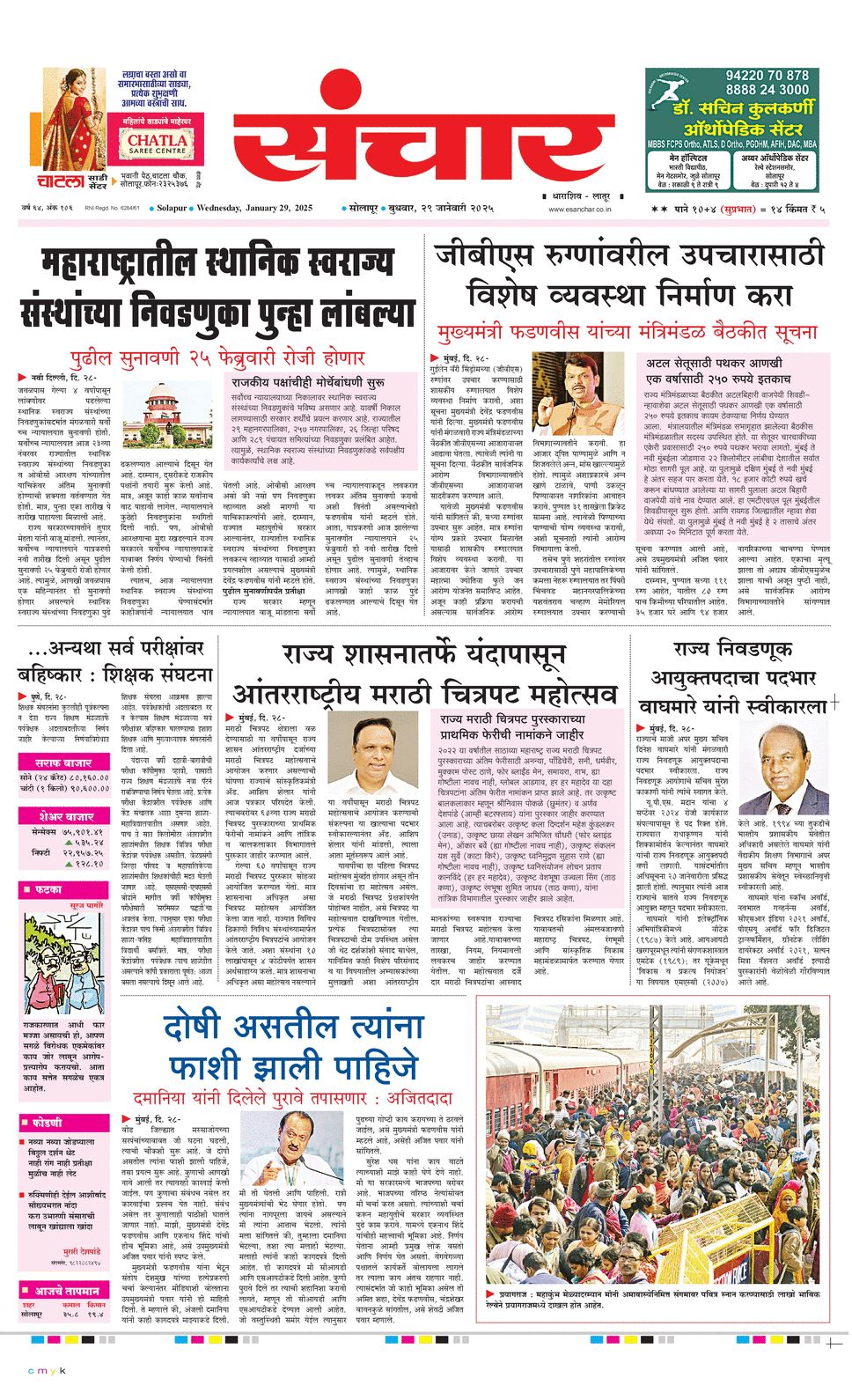
Use the date selector in the official reader to move to an available issue. Open the newspaper page, then use its page controls or zoom to read headlines and local pages clearly on a phone.
- Open the official Pudhari reader using the button above.
- Select the city or regional edition you want.
- Confirm the date in the masthead before reading or sharing a page.
When an issue is missing
Try another available date or return to the edition list. If the reader remains blank, enable JavaScript and reopen it in an updated browser. Access, archives and any download feature are controlled by Pudhari.
Visit official Pudhari ePaper (opens in a new tab)